Mar 19, 2019

App Survey response or, "Why I don't focus on "educational" apps"


 Thanks to everyone who participated in the my survey about the app recommendation services that we offer at Madison Public Library. I was honored and humbled to see that many of the participants are children's librarians from across the country!

One of the questions that several people asked was why I don't review or recommend many overtly "educational" apps. When I asked Katie Paciga, researcher and head of the ALA "Excellence in Early Learning Digital Media Award" committee her thoughts on this topic she told me, "Children learn in many ways, including open ended play with things that interest them. Reducing their experiences to those deemed as "learning," narrowly focused on cognitive skills, diminishes their opportunities to experience in ways that are often the most developmentally appropriate for that particular child."

Here is my own response:

I've heard many parents say, "Well if my kids are going to be spending time on a device, at least they can be LEARNING something while they're at it!" and while that sentiment makes some sense, I think we need to think carefully about how kids learn best. Many of the apps that are being marketed as "educational" are focusing on some really specific skills -- letter/color/shape recognition, letter sounds, matching things, adding, subtracting, etc.

 
Recently, I was testing an app with my daughter and one of the activities started by telling the kids about basic color mixing and then asked her to find things that were a certain color in a picture. I know that my daughter will learn more deeply about color mixing by physically painting with watercolor paints or mixing blobs of play dough together and I would rather she learn in those hands-on ways.

There are other --more subtle, more complex-- ways that my children can benefit from app use, such as innovative problem solving that they get from playing Inventioneers or Gorogoa, impulse control that they can practice while playing games like Shine: Journey of Light, looking for different results when playing games that have cause and effect with no prescribed "correct answer" like Toca Mystery House or Sago Mini Super Juice, or a chance to just lose themselves in an imaginative world such as those in the Toca Life apps.

I realize that there are schools that would like to use apps in the classroom and for those needs, there are a number of app reviewers such as Teachers with Apps, Kindertown (though they aren't writing new reviews anymore their database has some great titles and their app has a really nice interface), Moms with Apps, and Children's Technology Review that review more of the "educational" apps.  However, as one survey respondent noted, "It's great to have reviews of apps coming from a library perspective. A lot of the information I find comes from teachers, and what works well in a classroom often doesn't work well in the library or in storytime. Thank you for taking the time to provide all of this great information!!"


I hope that you find my App Recommendations page to be a useful resource.  High quality apps are becoming increasingly difficult to find, but I refuse to compromise my standards and will only review apps that I think are truly worth your money and your child's time. I know that their time in childhood is limited and there's no reason to waste any of it using poor quality media.

Jan 30, 2019

Why do we do Anji Play at the library?

https://drive.google.com/file/d/19xTWiQLOAnxMy9WgHsJ-Rrry_pOjvaV8/view?usp=sharing


I recently pulled together some research and reflections about why we do Anji Play at Madison Public Library. This is something I've thought about a lot over the past three years but I'd never put my thoughts and the research I've read all into one spot before. Click the image above or this link if you'd like to read through it!  Many thanks to UW Professor Rebekah Willett for helping me to organize my thoughts and pull together even more supportive research and to Holly Storck-Post, Rebecca Millerjohn and Jess Hankey for their thoughtful feedback.

Jan 29, 2019

AnjiPlayDate update, January 2019

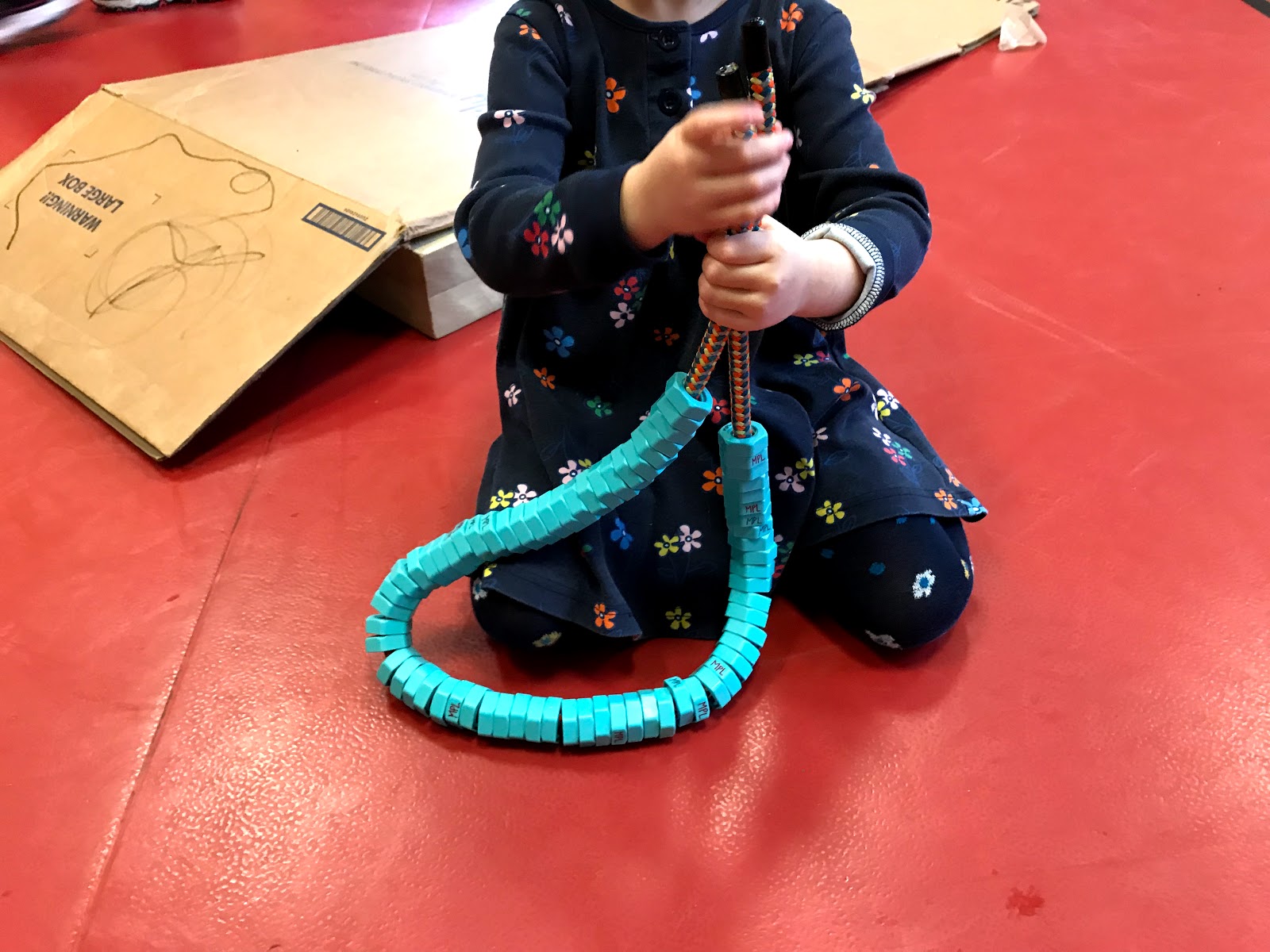
We've had two weeks of AnjiPlayDate so far this session and it has been BUSY!  Attendance has been over 50 people each week and the play has been fascinating.  Here are a few stories that especially warmed my heart during this super cold weather:


During the first week of the session, I met one new mom who was there because I had visited the Play and Learn class that she attends at the Lussier Center on Tuesday mornings and I had mentioned the program to that group.  At first, she was unsure what her role as an adult in this program was (she could tell it was different than Play and Learn), so I talked with her about the importance of carefully observing children in play to see what amazing things they might do.  I checked in with her a little while later and she was delighted to tell me about three situations that her son had figured out on his own, things that she would have stepped in to help him with before trying this approach.

The first was an intellectual risk -- he was building a tower of blocks and couldn't reach the top, and figured out by himself that he could use a circle block as a stepstool to get him high enough to reach the top of the tower.  

The second was a physical risk -- he was balancing with both feet on a three-wheeled scooter and he fell.  When he got back up, he tried standing on the wheels with only one foot and one foot on the ground and was more stable.  

The third was a social risk -- he wanted a four-wheeled scooter that another child also wanted.  She told me that usually she would step in and point out that there was another four-wheeled scooter nearby, but she tried just watching and pretty soon, he gave up arguing with the other child and went and found a three-wheeled scooter to play with instead.

She thanked me for this opportunity to try something new and this chance to be surprised by what her son could do on his own.  I congratulated her on her willingness to try this approach and shared her excitement about what she'd learned about her son.  This is a fantastic experience for a first-time attender and I can't wait to see what unfolds in upcoming weeks!
 
 
During week 2, another mom told me that she had shown her daughter the pictures and videos she'd captured during play last week and when her daughter was excited to watch them over and over and talk about them to both parents, she really could see how much her comprehension of what had happened during the play increased through that repetition.  It was so great to see this lightbulb moment for the mom!  She also told me that she decided to try letting all of her kids (two can't attend AnjiPlayDate because they're in school) sort out their own sibling squabbles and she was shocked at how quickly they stepped up their negotiation and conflict resolution skills as soon as they realized mom wasn't going to step in and fix it for them. 
 
 
Another mom who homeschools her children shared with me that she liked the play story notebook idea so much that she bought each of her kids a blank notebook to create their own play stories in more frequently!
 
These stories really drive home for me the impact that Anji Play can have on children beyond the time to play during the program itself.  Thank you to all of these parents for sharing their stories with me!


Jan 12, 2019

Storytime Hack: Small books, big screen

 Today, I wanted to use one of my favorite board books in my Donuts with Dad storytime. This group is usually pretty large (today we ended up with 83), so I knew that I couldn't just hold that tiny book in my hand and expect everyone to see it, so I rigged up a solution that ended up working so well, I thought I'd share it with you. 

I've tried ELMO cameras and overhead projectors, but the lighting is never quite right, but this?  This was simple and worked surprisingly well.

What you need:
--an iPad, iPod or iPhone and just the standard "Camera" app
--an AppleTV (for wireless connection, or cords will work if that's what you usually use to make your iDevice talk to your projector)
--a projector and screen
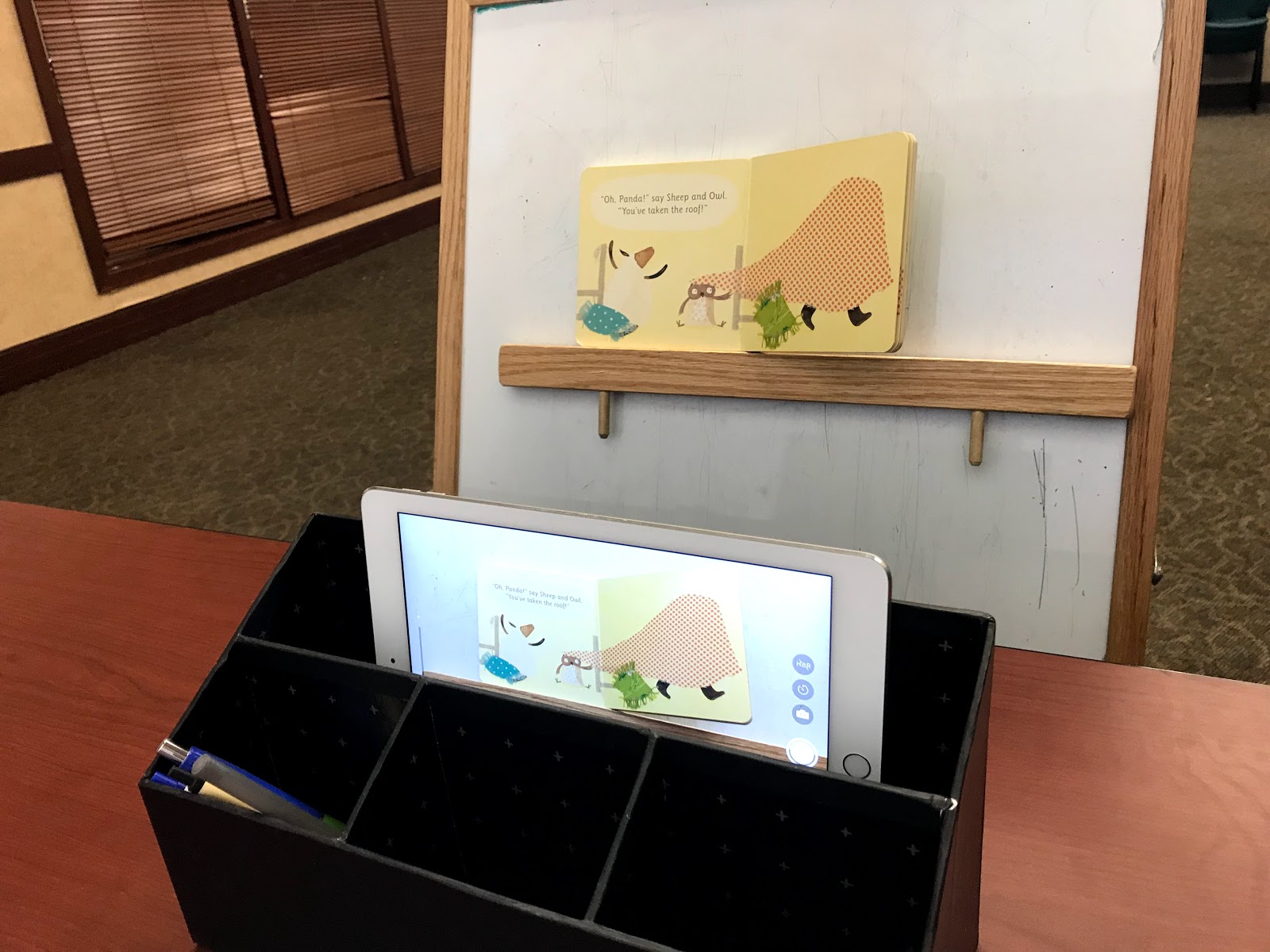
--some way to prop up your book and iDevice (I used the magnetic bar on the back of my flannel board for the book and a desk organizer I grabbed from my office, but use whatever you have on hand).

Here's a photo of the back side of my set-up:
(The camera is peeking above the top of the desk organizer, aimed at the book)
 And here is what it looks like to my group:
 
 I just sat beside my flannel board and tucked my hand behind it in order to turn pages as I read.  Everyone was captivated (and everyone could SEE)! 

My only frustration was that with this particular set-up, I spent more time looking back than making eye contact with the group, but maybe that will come with practice?  Has anyone else ever done anything like this?  What other solutions have you come up with?


Template developed by Confluent Forms LLC; more resources at BlogXpertise